Adding Comments in Submission
You can add comments any time as long as you are the Requester, Workflow Administrator, Supporting Officer, Approving Officer and Covering Officers in an In-Progress submission.
- Open your submission from My Submission – In Progress section.
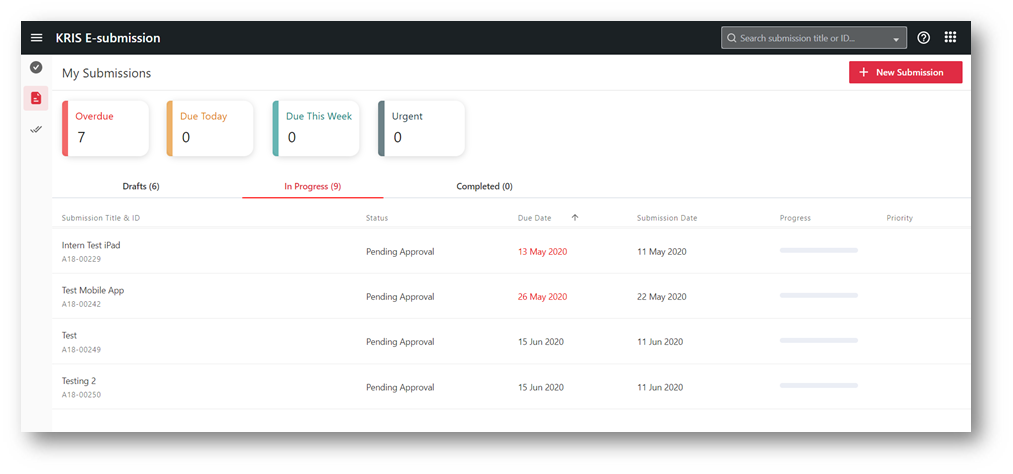
- Click on the Comments tab button.
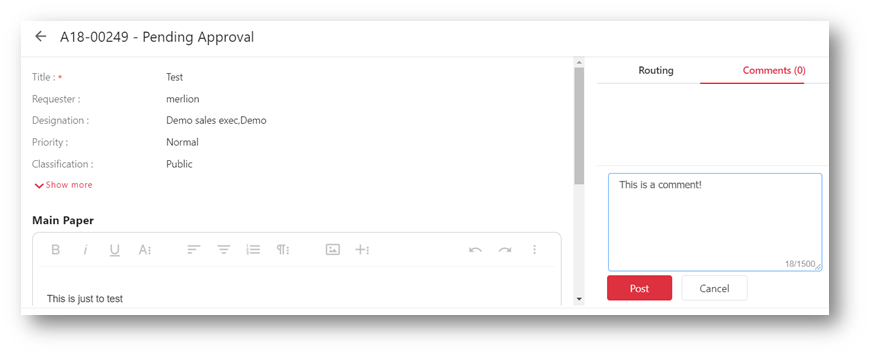
- Fill in your comments and click on the Post button.
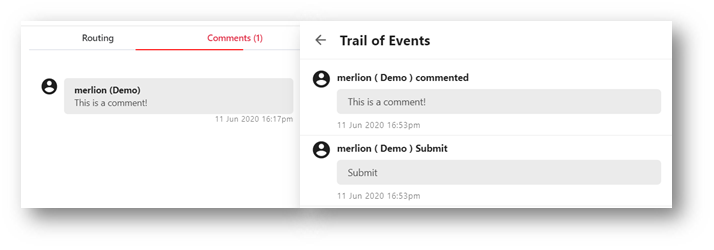
Your comments will be posted successfully at the Comments and Trail of Events and email notification will be sent to the requester as well as those previously notified Supporting / Approving parties.