How to use audit log?
How to use the audit log?
The audit log is to capture all event trails of the system. It will allow the administrator which user log in to the system and actions taken.
To search the audit log
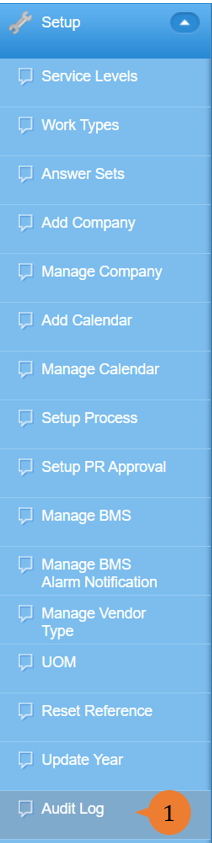
- Select Audit Log under Setup from the Menu.
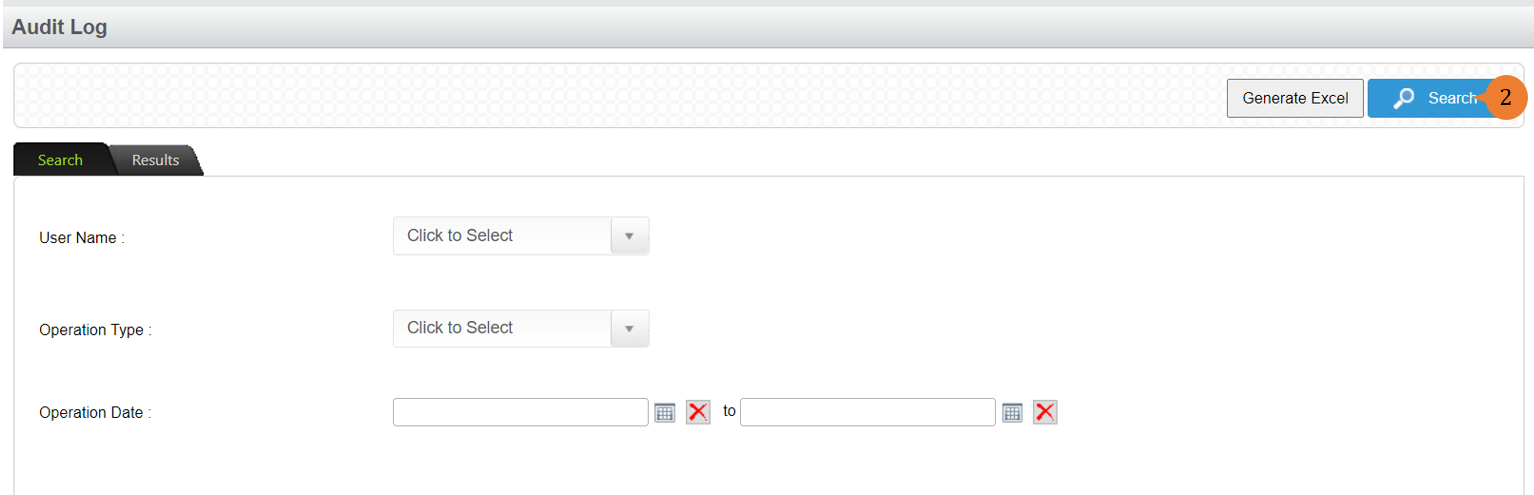
- Input your search criteria to limit the search if any and then click on the Search button.
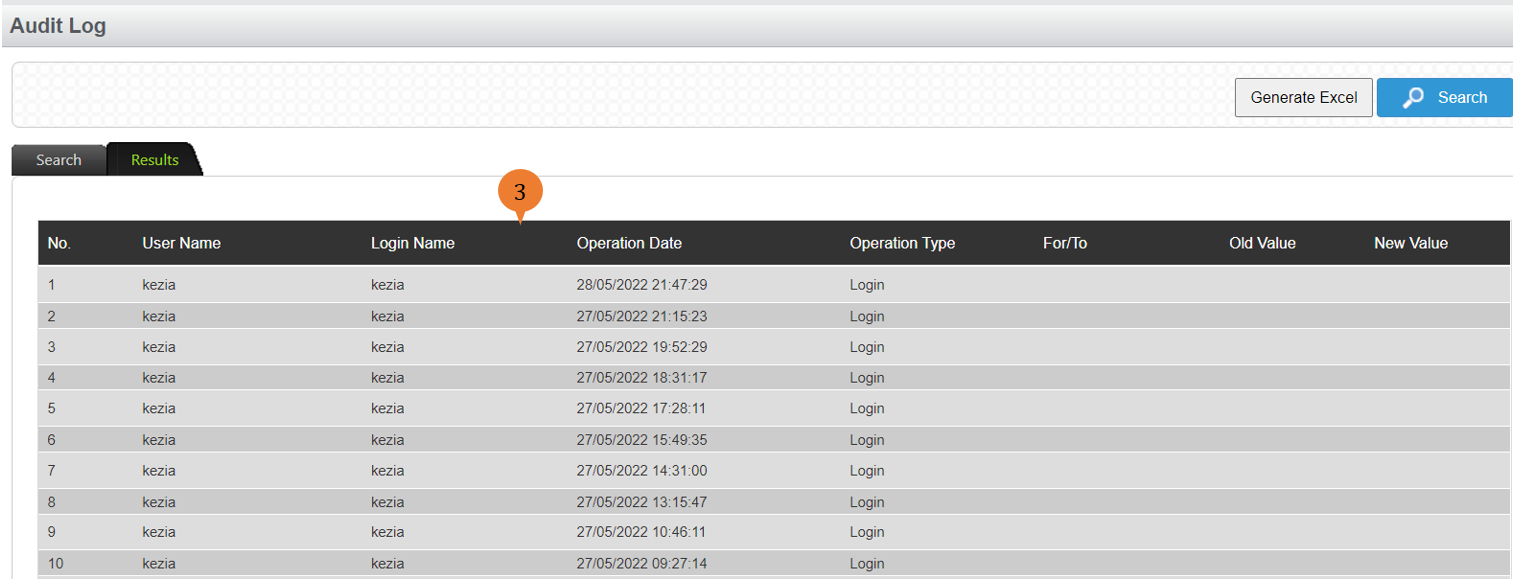
- All the audit log records will show in the table based on your input search criteria.
More on this topic 
- For step-by-step guides to using the Setup, see Set Up.