How to add and manage UOM?
How to add and manage UOM?
UOM stands for Unit of Measurements which is used as a standard for measurement of the same kind of quantity. This is set up for the Rate Book items creation.
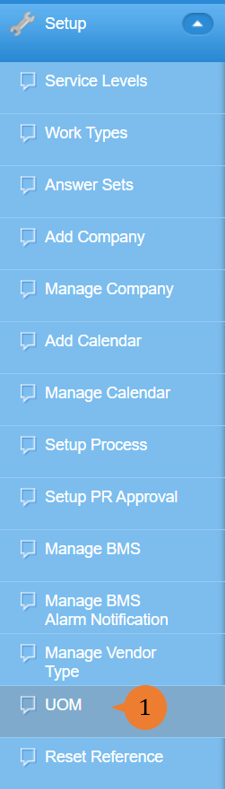
- Select UOM under Setup from the Menu.
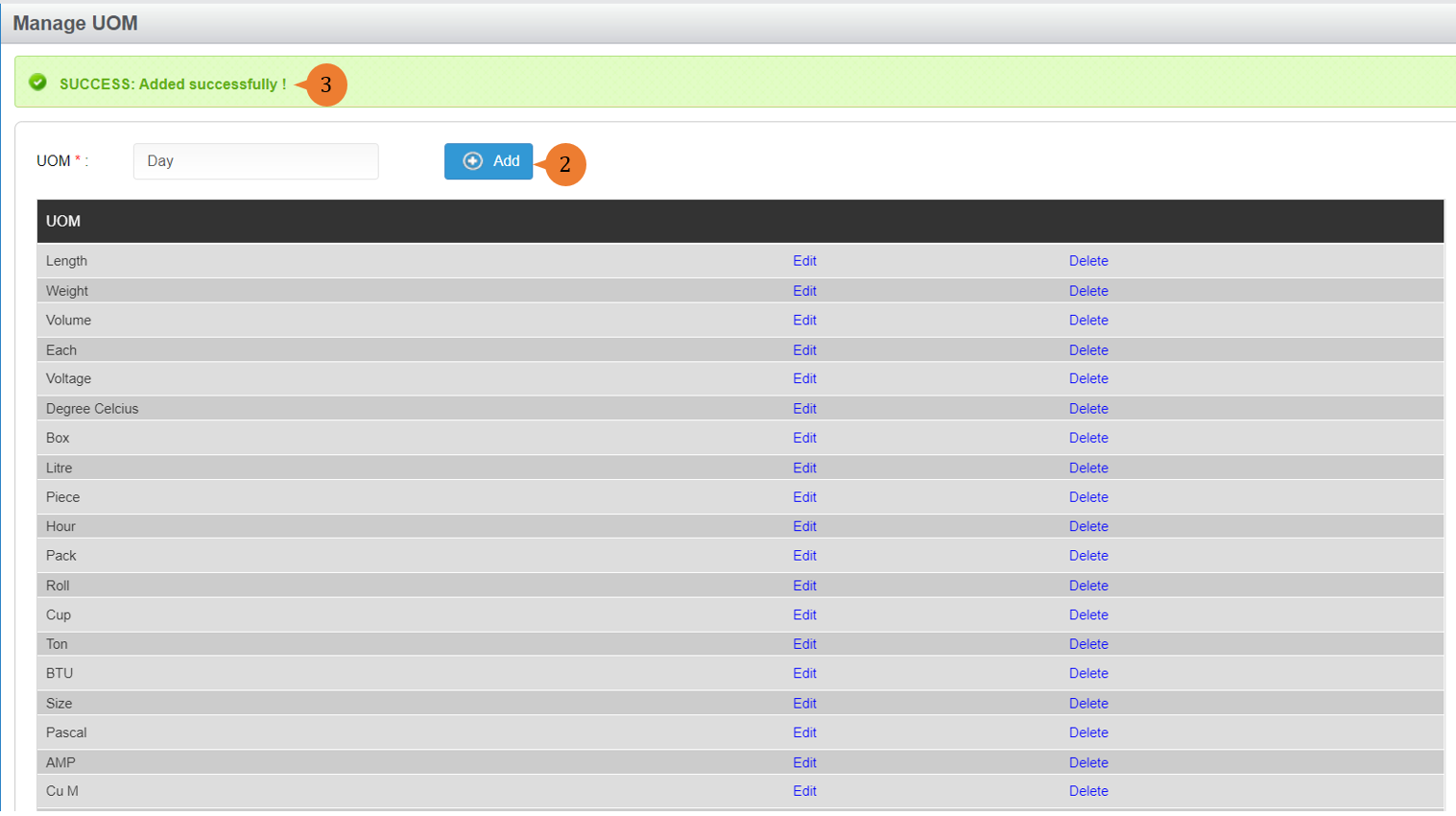
- Input the UOM and click on the Add button.
- When the UOM is successfully saved, a success message will appear below the page title.
To Edit UOM
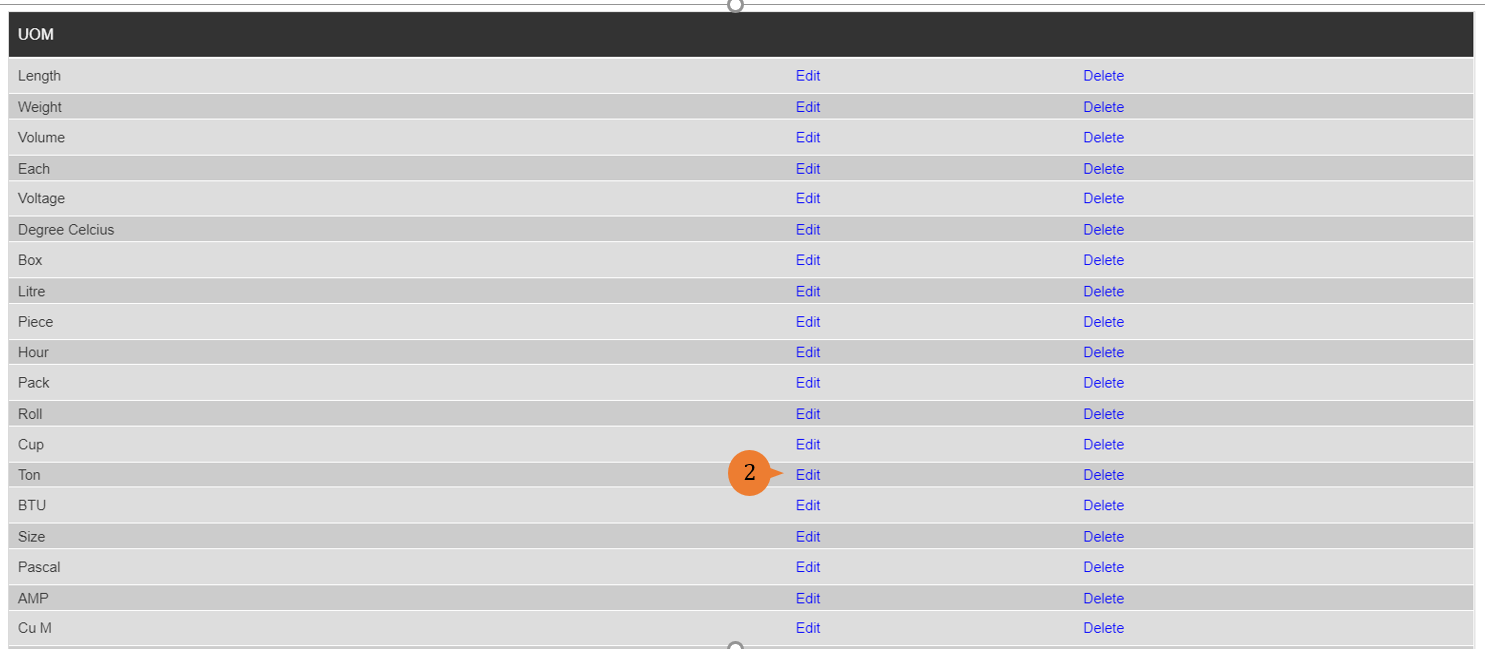
- Select UOM under Setup from the Menu.
- Select the vendor type that you wish to edit, and click on the Edit button.
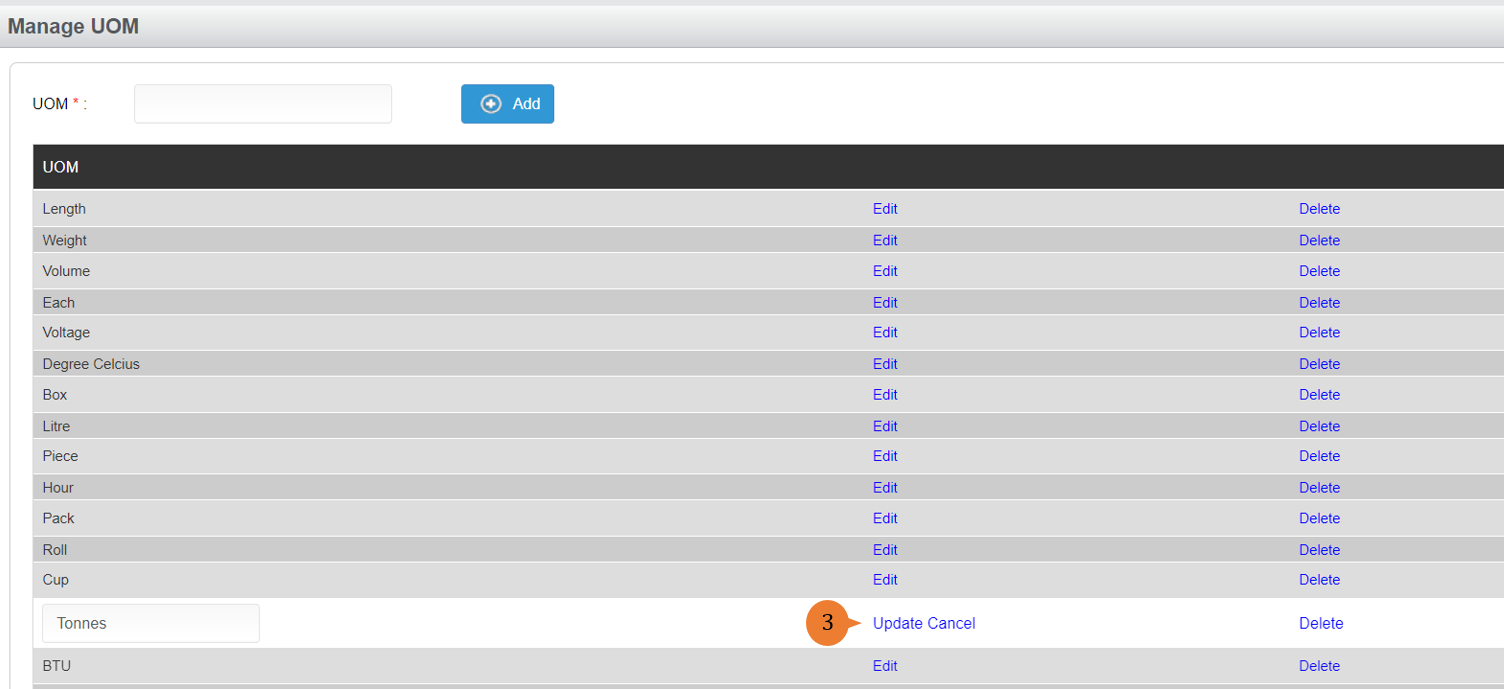
- Once you amended, click on the Update button to save the changes.
More on this topic 
- For step-by-step guides to using the Setup, see Set Up.