How to add company?
How to add a company?
The company is to create an organisation in the system. It will contain the company’s information.
To create a company
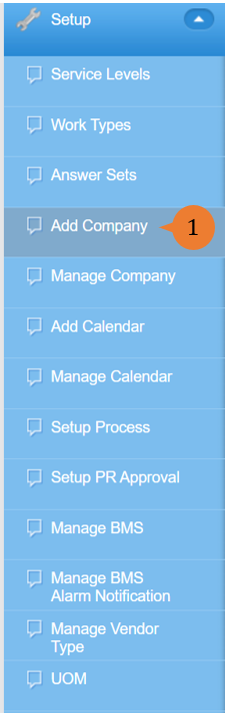
- Select Add Company under Setup from the Menu.
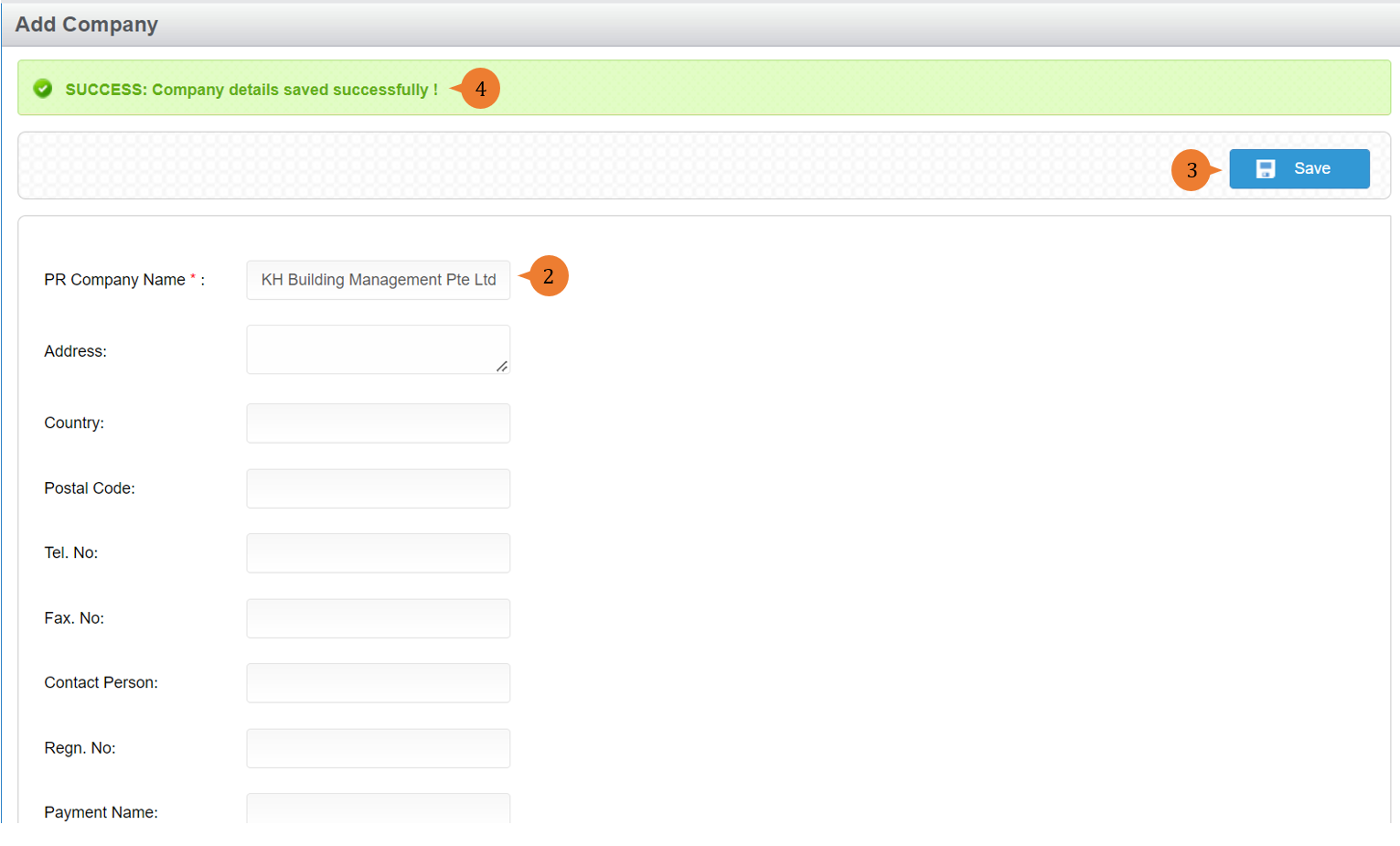
- Input the PR Company Name field and other details.
- Click on the Save button.
- When the company is successfully added, a success message will appear below the page title.
More on this topic 
- For step-by-step guides to using the Setup, see Set Up.