How to approve PR?
Jump to
How to approve PR? 
PR approval is usually done by the procurement department or management depending on the company policy. It might differ based on the types of items/services being purchased.
To approve/reject PR
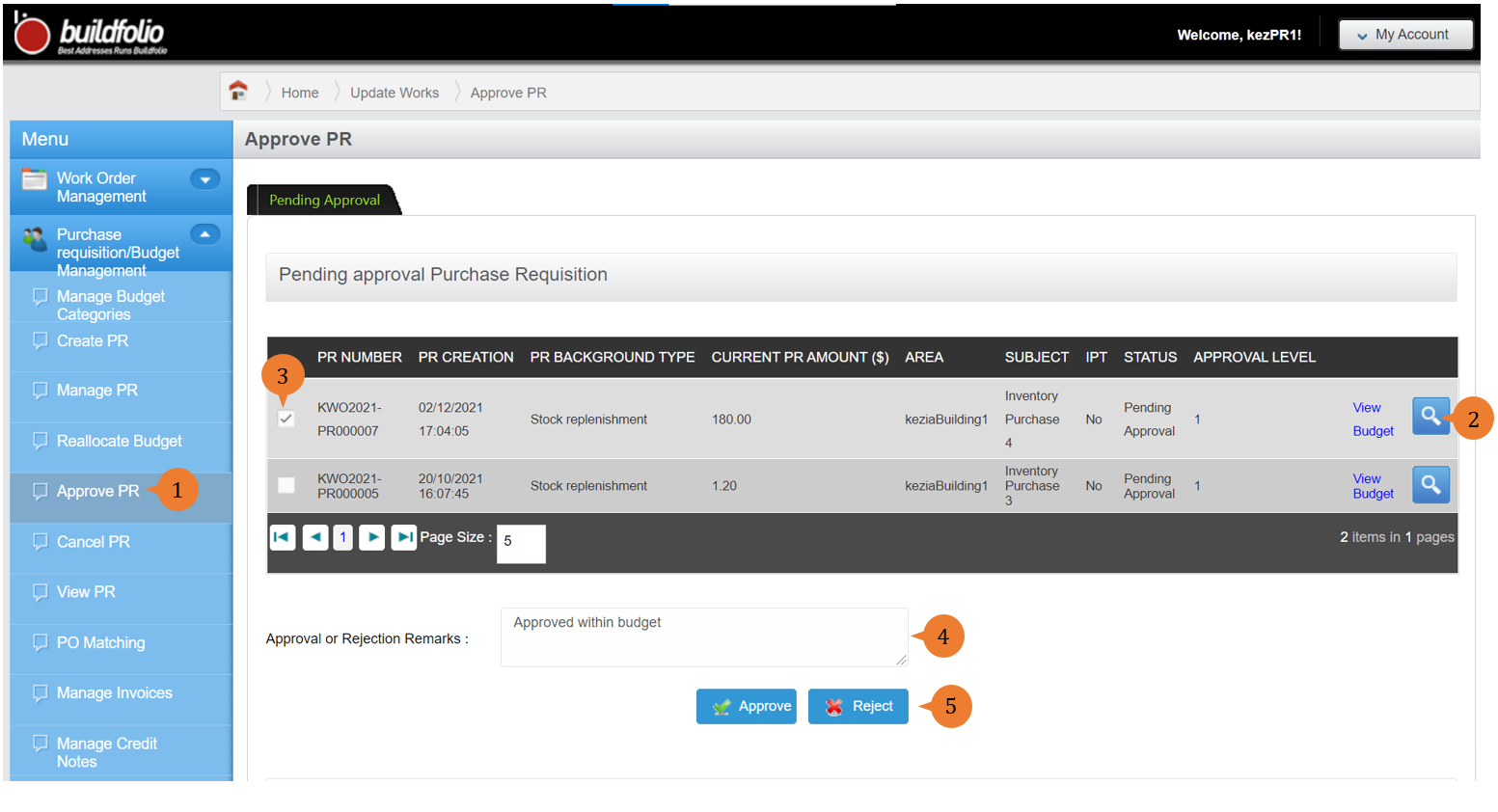
- Select Approve PR under Purchase requisition/Budget Management from the Menu.
- Click on the Magnifying Glass Icon button to view the detail of the PR.
- Select a PR/multiple PRs to proceed with the decision to approve or reject.
- Input the Approval or Rejection Remarks.
- Click on Approve or Reject button.
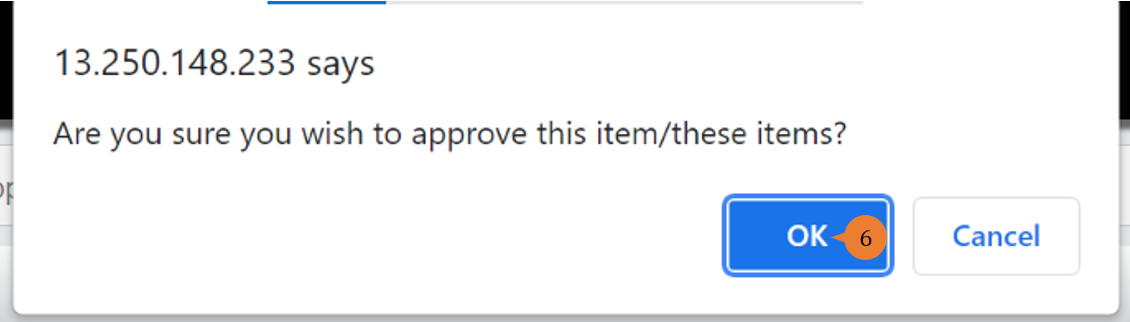
- A confirmation message will pop up. To proceed, click on OK.
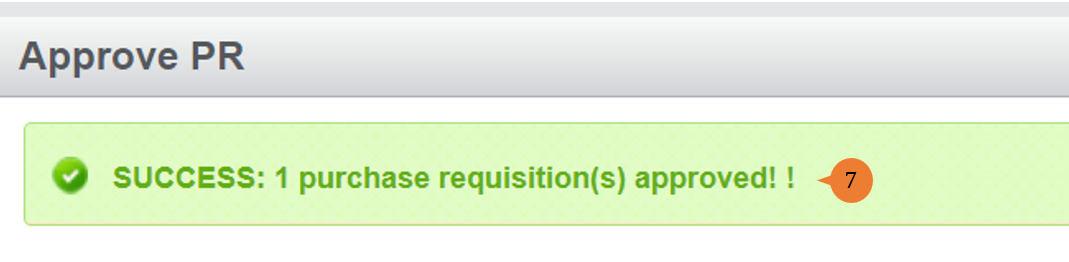
- When the PR is successfully approved/rejected, a success message will appear below the page title
More on this topic
- For step-by-step guides to cancelling PR in the Purchase Requisition/Budget Management module, see How to cancel PR?.
- For step-by-step guides to using Purchase Requisition/Budget Management module, see Purchase Requisition/Budget Management Module.