How to edit an open Work Order on BUILDFOLIO II mobile app?
Jump to
How to edit an open Work Order on BUILDFOLIO II mobile app?
To edit a Work Order on BUILDFOLIO II
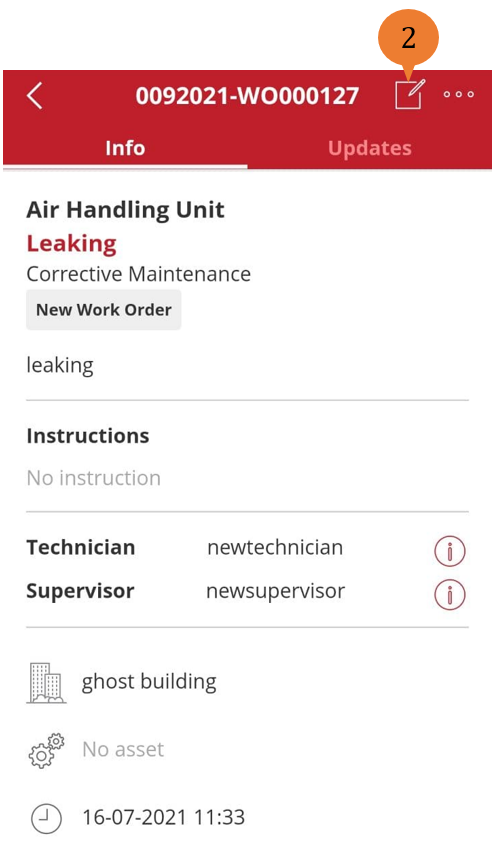
- Select the Work Order.
- Select the Edit icon.
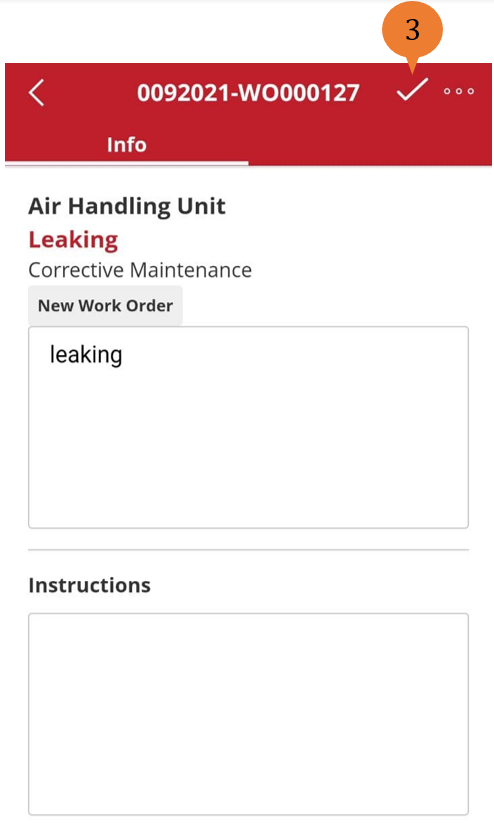
- To save the edits, select the Editing icon.
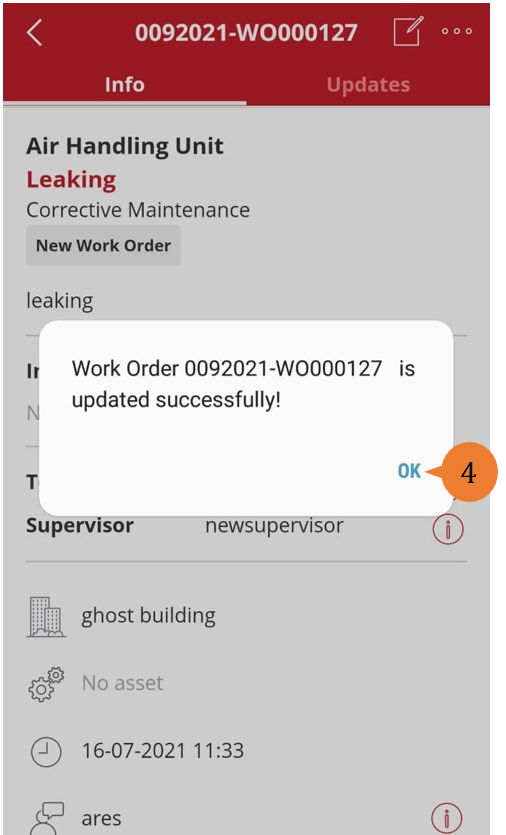
- When successfully edited, a success message will appear. To close the success message, select OK.
More on this topic
- For a step-by-step guide to editing an open Work Order on web browser, see How to edit an open Work Order.
- For a step-by-step guide to updating a Work Order on web browser, see How to update a Work Order.
- For a step-by-step guide to using BUILDFOLIO II mobile app, see BUILDFOLIO II mobile app.