How to Add Craft?
Jump to
How to add Craft? 
Craft is to add the various type of skills to perform the various type of works needed to maintain the upkeep of the property.
To add Craft
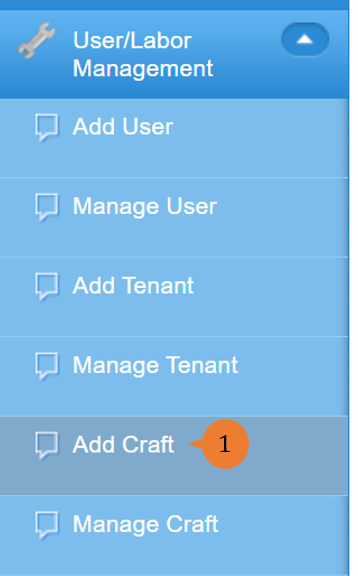
- Select Add Craft under User/Labour Management from the Menu.
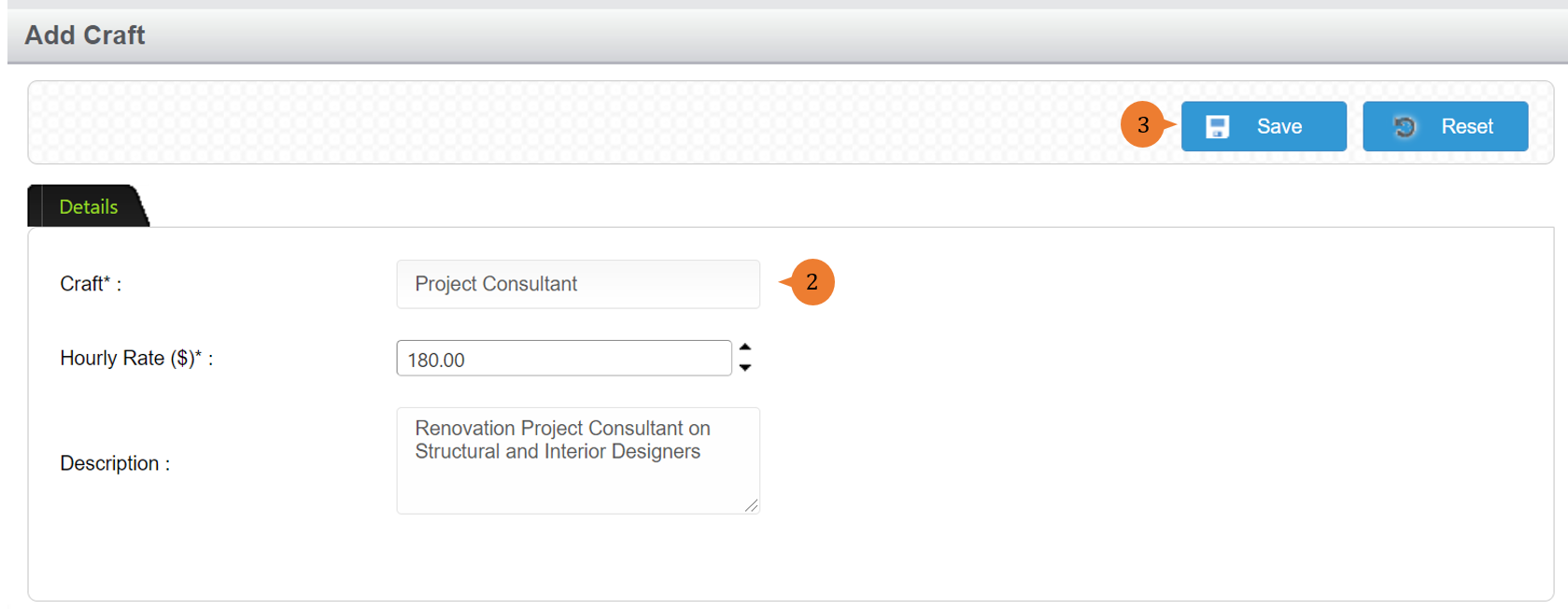
- Input the Craft name, hourly rate and description.
- Click on the Save button to create the craft entry.
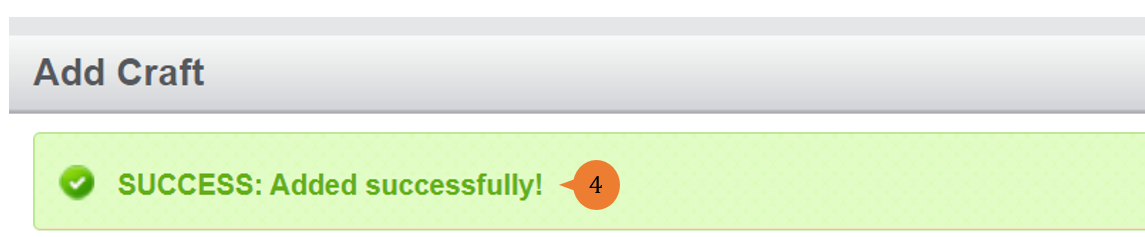
- When the craft is successfully added, a success message will appear below the page title
More on this topic
- For step-by-step guides to managing craft, see How to Manage Craft?.
- For step-by-step guides to using the User/Labour Management module, see User/Labour Management Module.