How to manage Access Rights?
How to manage Access Rights? 
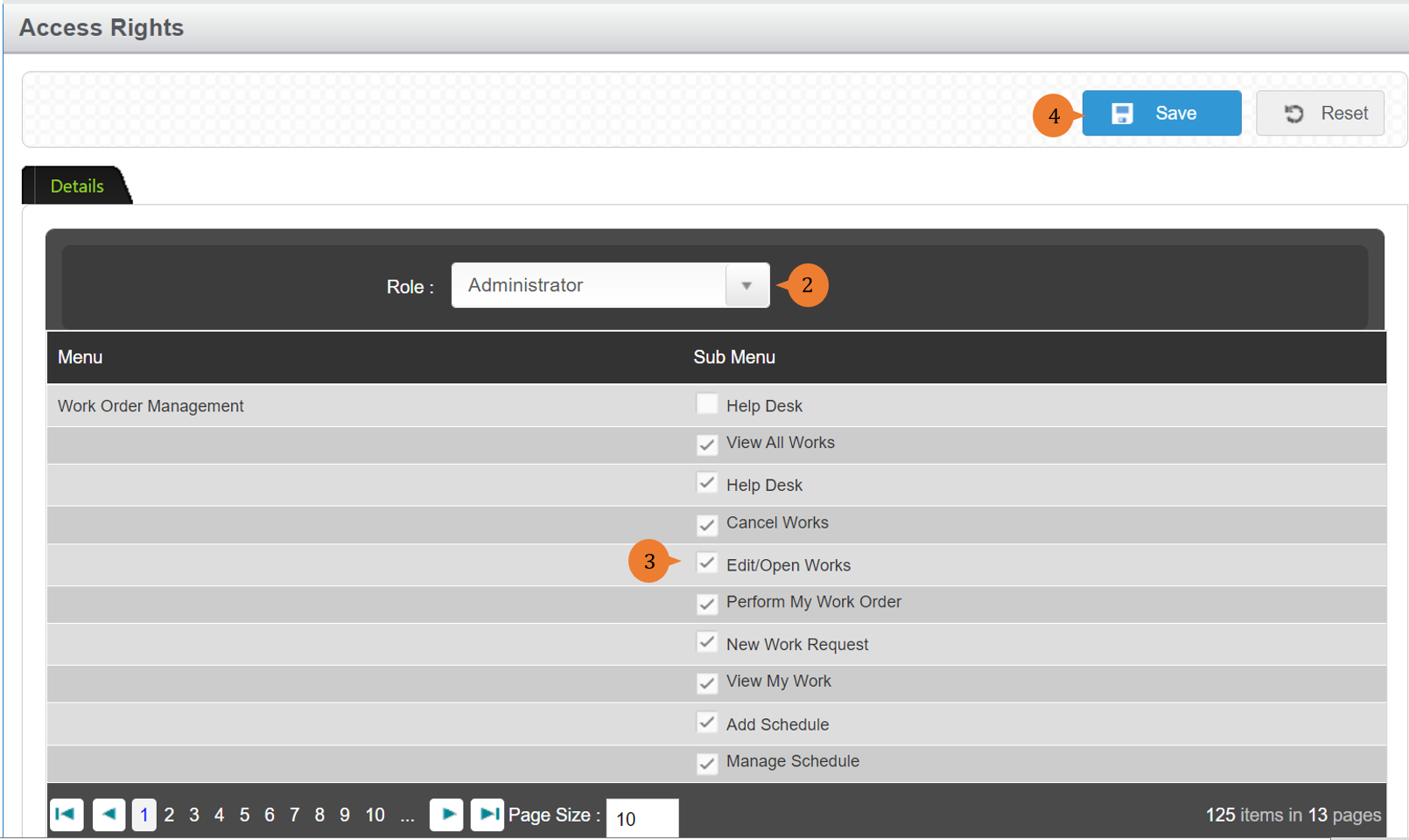
Access Rights are usually managed by the Administrator. It is for the administrator to select the sub-menu(s) to give access to users based on Role.
Note:
- To approve PR and/or Vendor, a user must have at least one of the following roles: Management/ Management (PR Approver), Secretary
- To approve condemnation of a stock item, the user must have the Store Manager role.
- As an Immediate Superior (as seen in Create New Work Order), a user will need to have the role of a Management.
To manage Access Rights
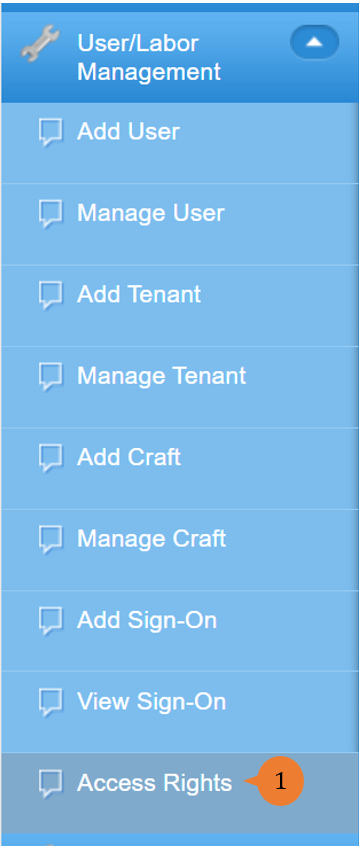
- Select Access Rights under User/Labour Management from the Menu.
- Select from the dropdown list the Role in question.
- Tick the Sub Menus that the Role should have access to.
- Click on the Save button.
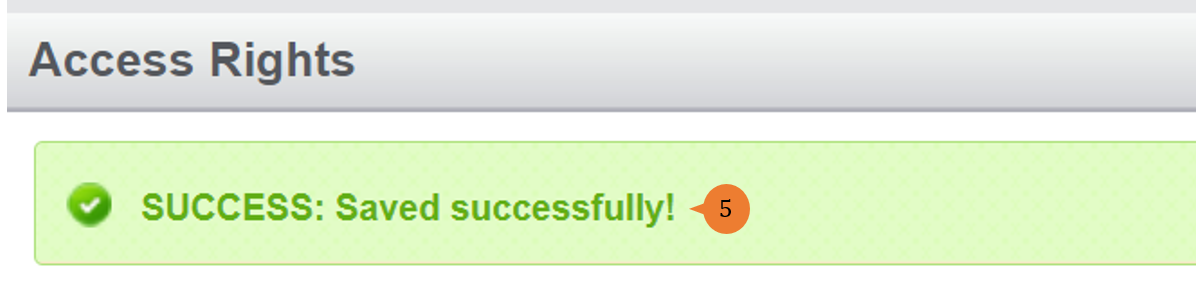
- When the access right is successfully saved, a success message will appear below the page title.
More on this topic
- For step-by-step guides to using the User/Labour Management module, see User/Labour Management Module.