Document Audit Trail
How to use document audit trail?
The document audit trail is a log to capture all the actions in the document module. It keeps track of the user, date and action taken in the document module. This module will be granted to the administrator for him/her to track the log records.
To access the document audit trail
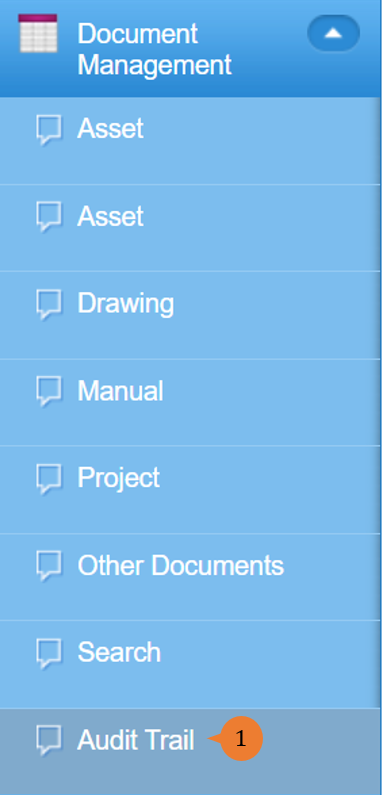
- Select Audit Trail under Document Management from the Menu.
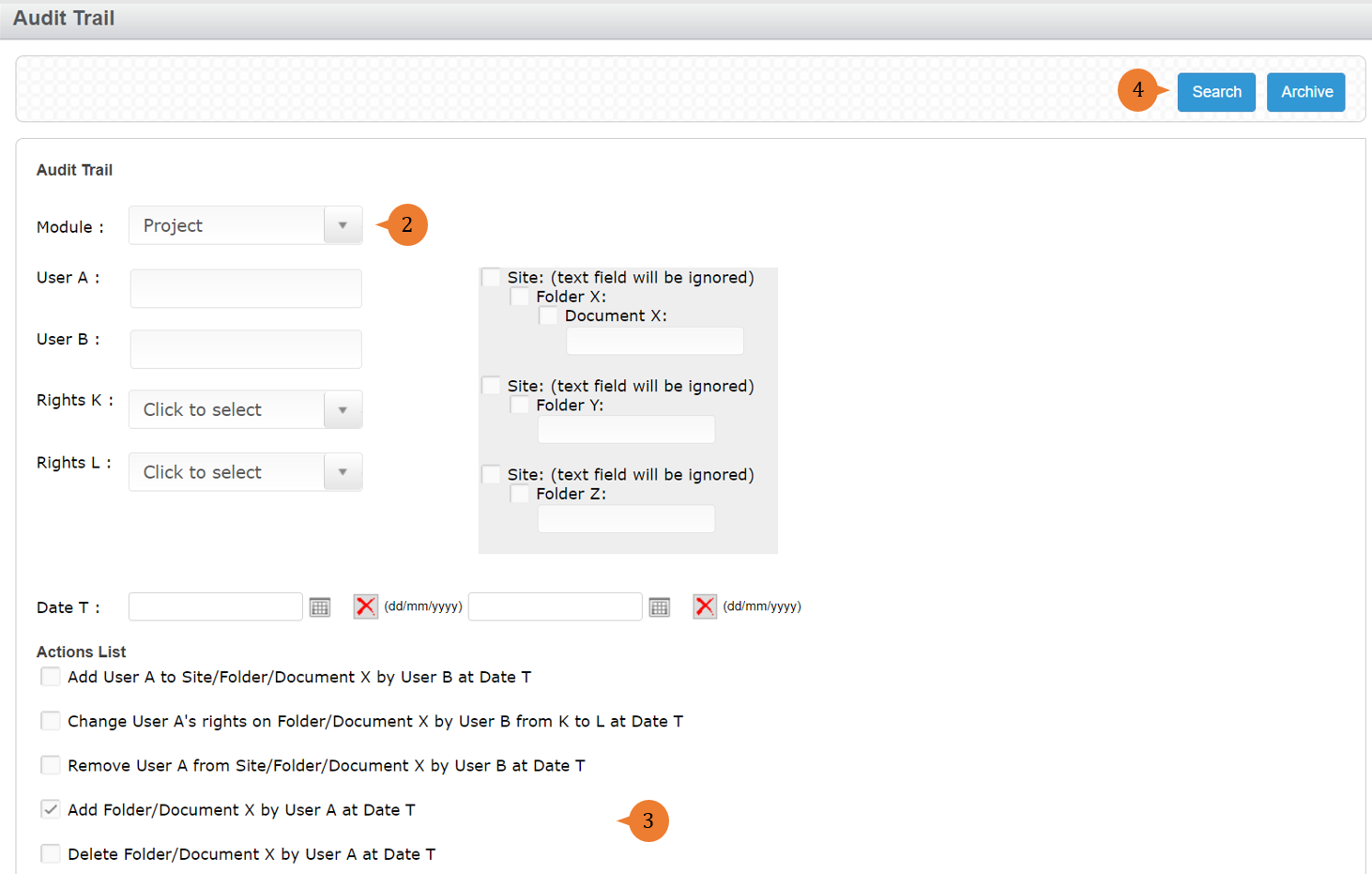
- Select the module and fill in the search filter such as the user name or dates to limit the search results.
- Select at least one Action.
- Click on the Search button.
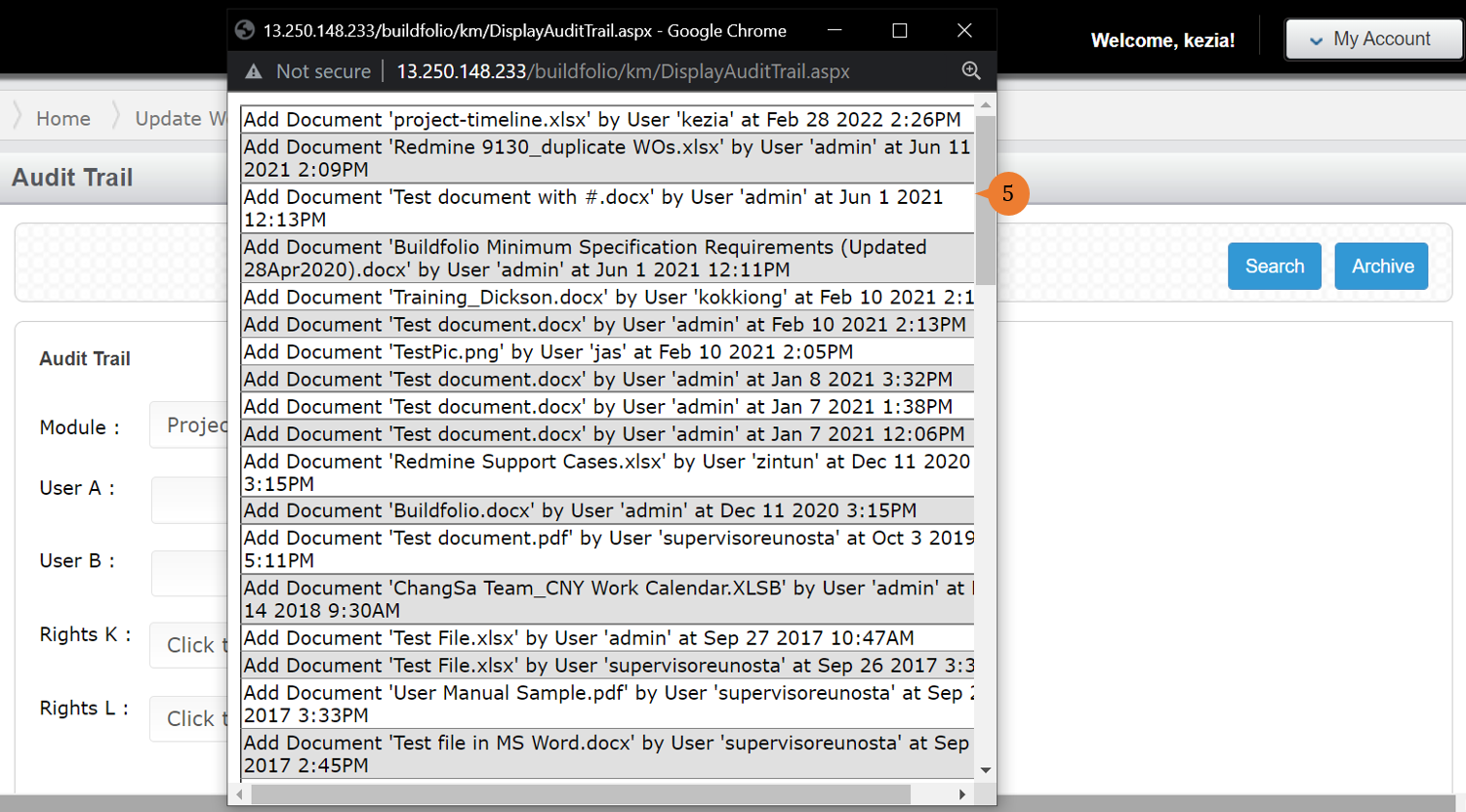
- A pop-up window will appear with the audit trail based on your search filters.
More on this topic 
- For step-by-step guides to using the Document Management module, see Document Management Module.