How to update year?
How to update the year?
Update the year in the system is for it to reflect in the running number of work orders, work requests, purchase requisitions, purchase orders, etc. to a new year.
To update the year
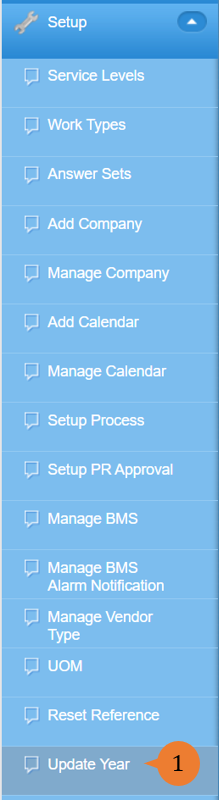
- Select Update Year under Setup from the Menu.
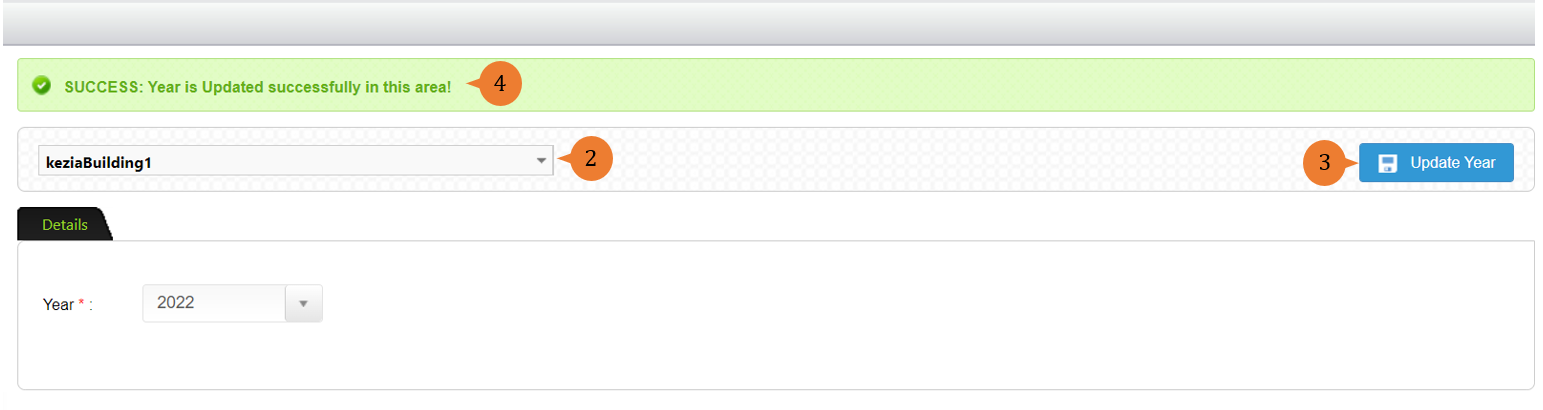
- Select the location and year that you wish to update.
- Click on the Update Year button.
- When the year is successfully updated, a success message will appear below the page title.
More on this topic 
- For step-by-step guides to using the Setup, see Set Up.