How to Manage Asset Types?
How to add Sub-Assets Group? 
Sub-Assets Group is to further categorise the assets group. An example will be main asset group is Lifts and Escalators whereas the sub-assets group can be Lifts, Escalators.
To add Sub-Assets Group
- Select Asset Types under Location/ Asset Management from the Menu.
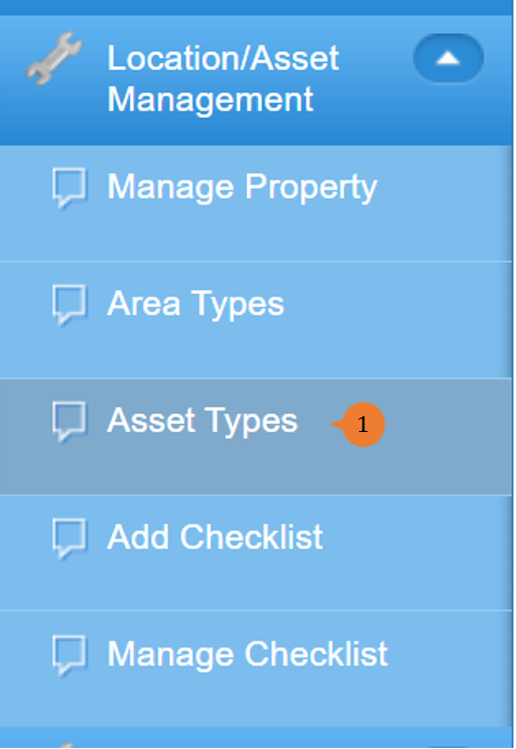
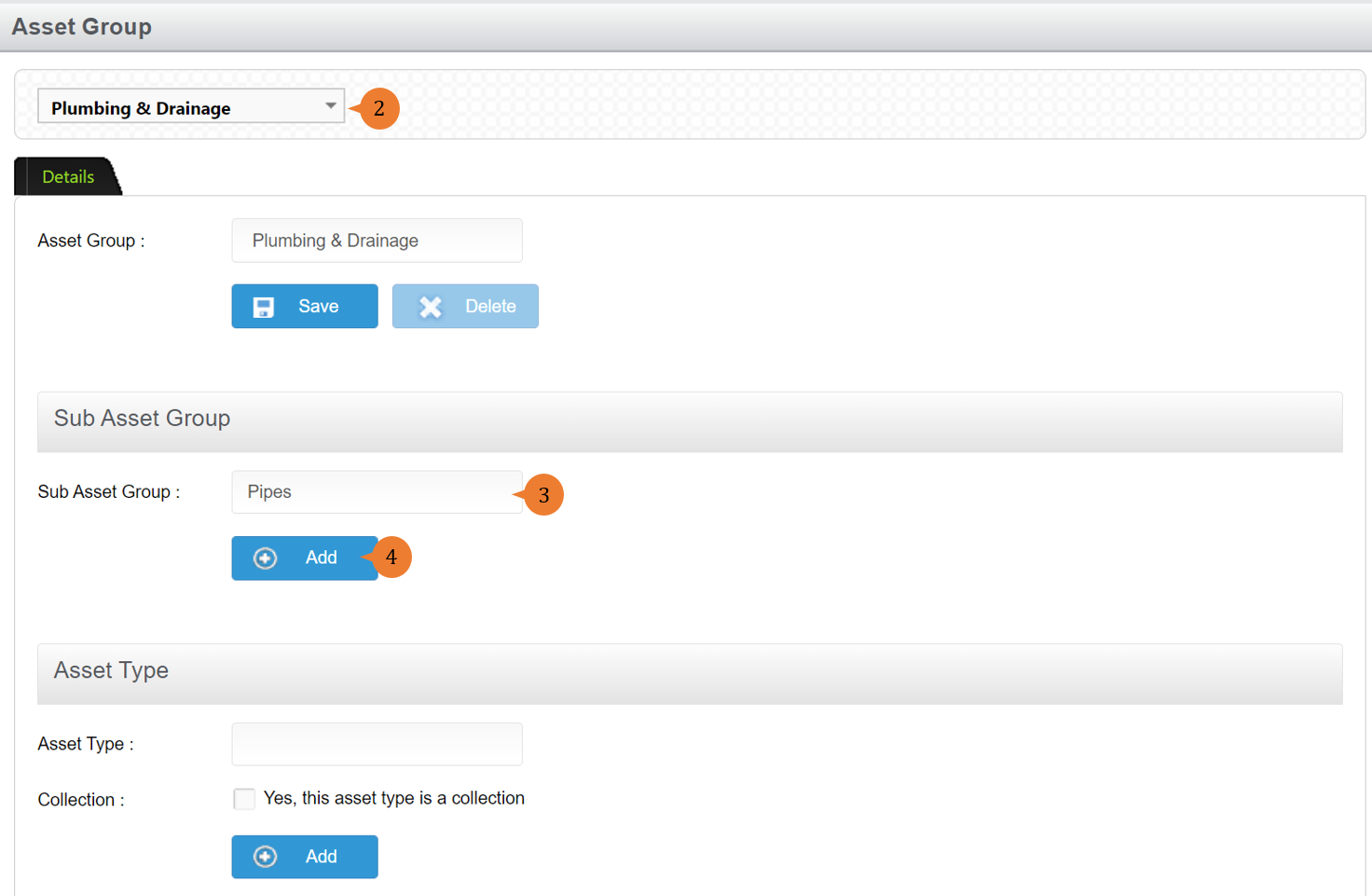
- Select the asset type.
- Input the Sub Asset Group name.
- Click on the Add button.
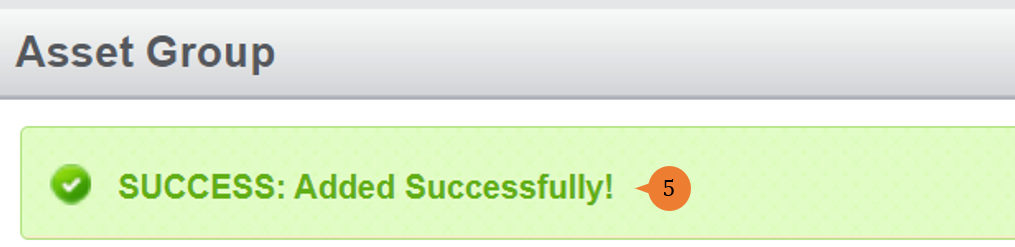
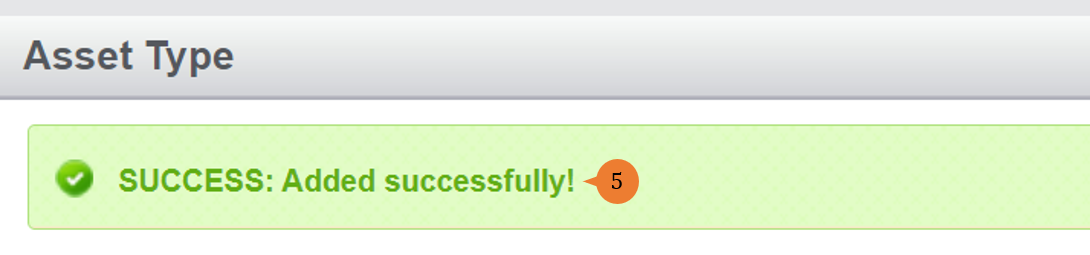
- When the Sub Assets Group is successfully added, a success message will appear below the page title
How to add Asset Type?
Asset Type can be further elaborated on the asset subgroup which can contain component level. An example will be for Pump Sub-Asset Group, the asset type can be Booster Pump, Transfer Pump and so on.
To add Asset Type
- Select Area Types under Location/ Asset Management from the Menu.
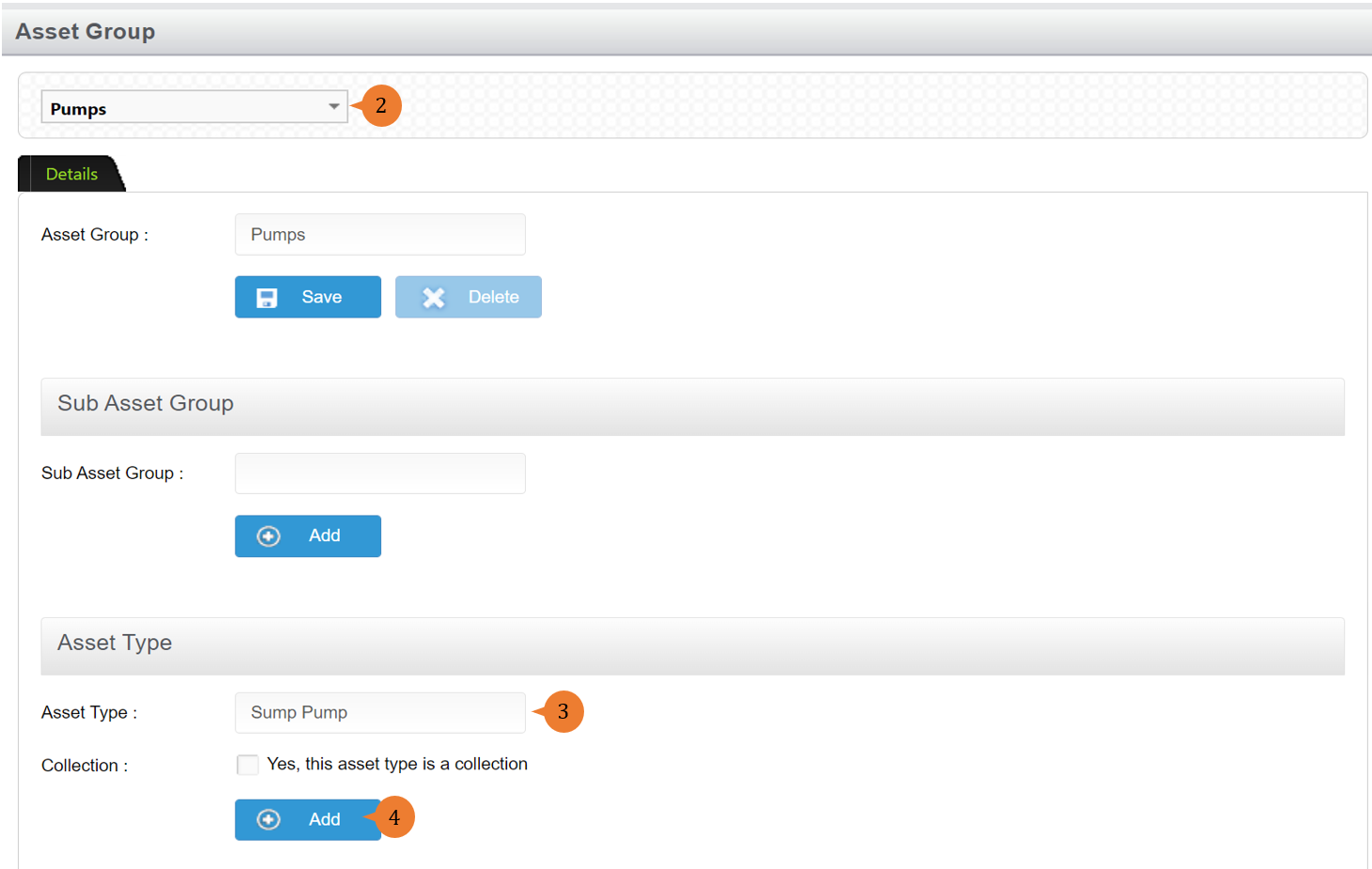
- Select the asset type.
- Input the Asset Type name.
- Click on the Add button.
- When the Area is successfully amended, a success message will appear below the page title
More on this topic
- For step-by-step guides to adding property, see How to Manage Property?.
- For step-by-step guides to using the Location/ Asset Management module, see Location/ Asset Management Module.